Vintage Photo Filter Online: Real Film Looks for Your Photos
A good vintage photo filter does more than add brown tones and scratches. Real film has its own light, color and grain, and that is what makes old photos feel warm and alive.
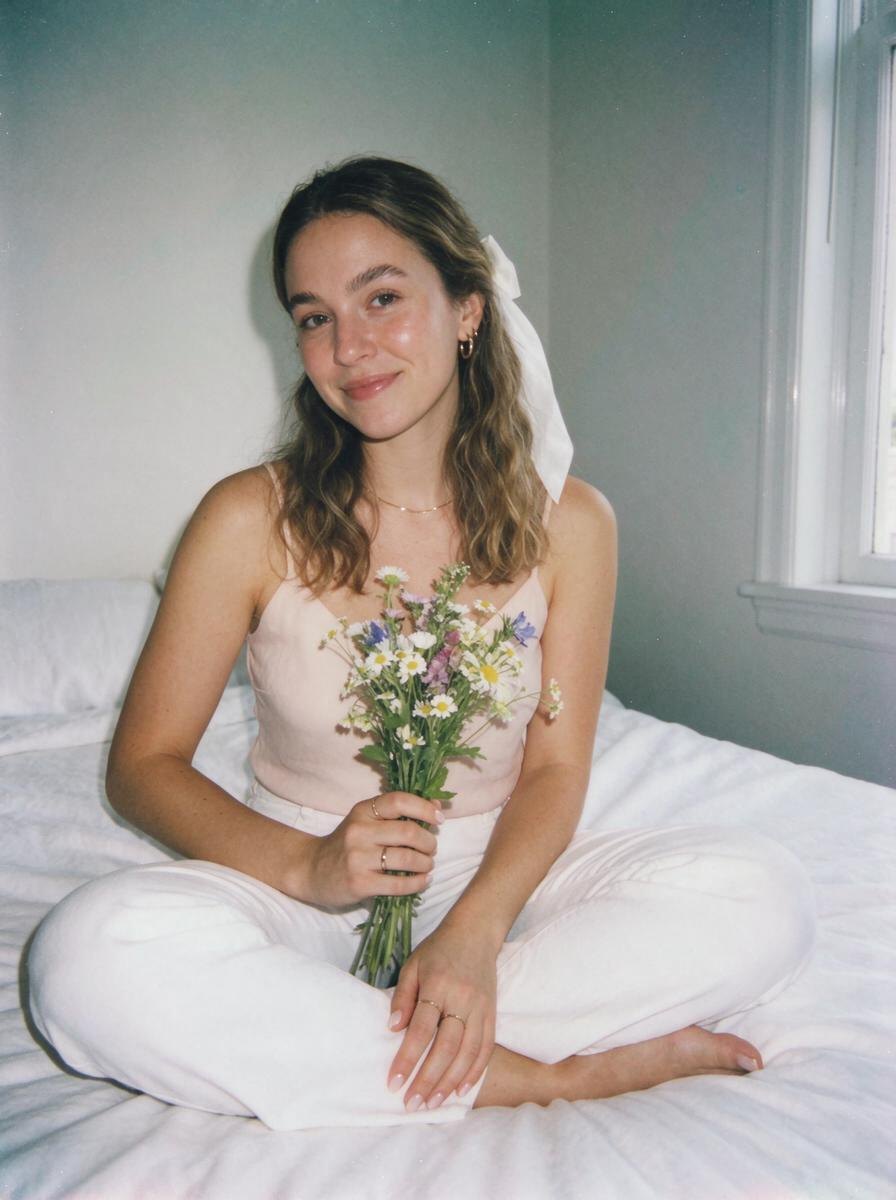
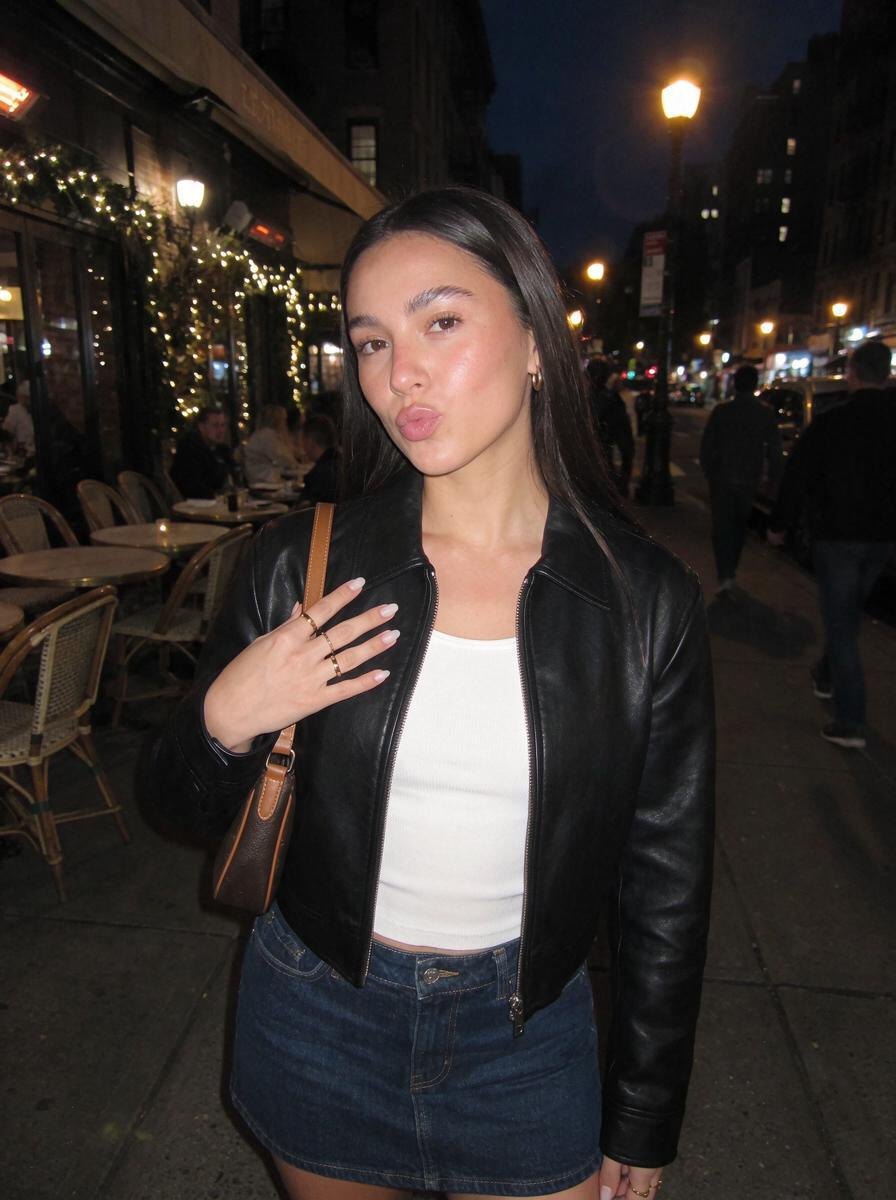
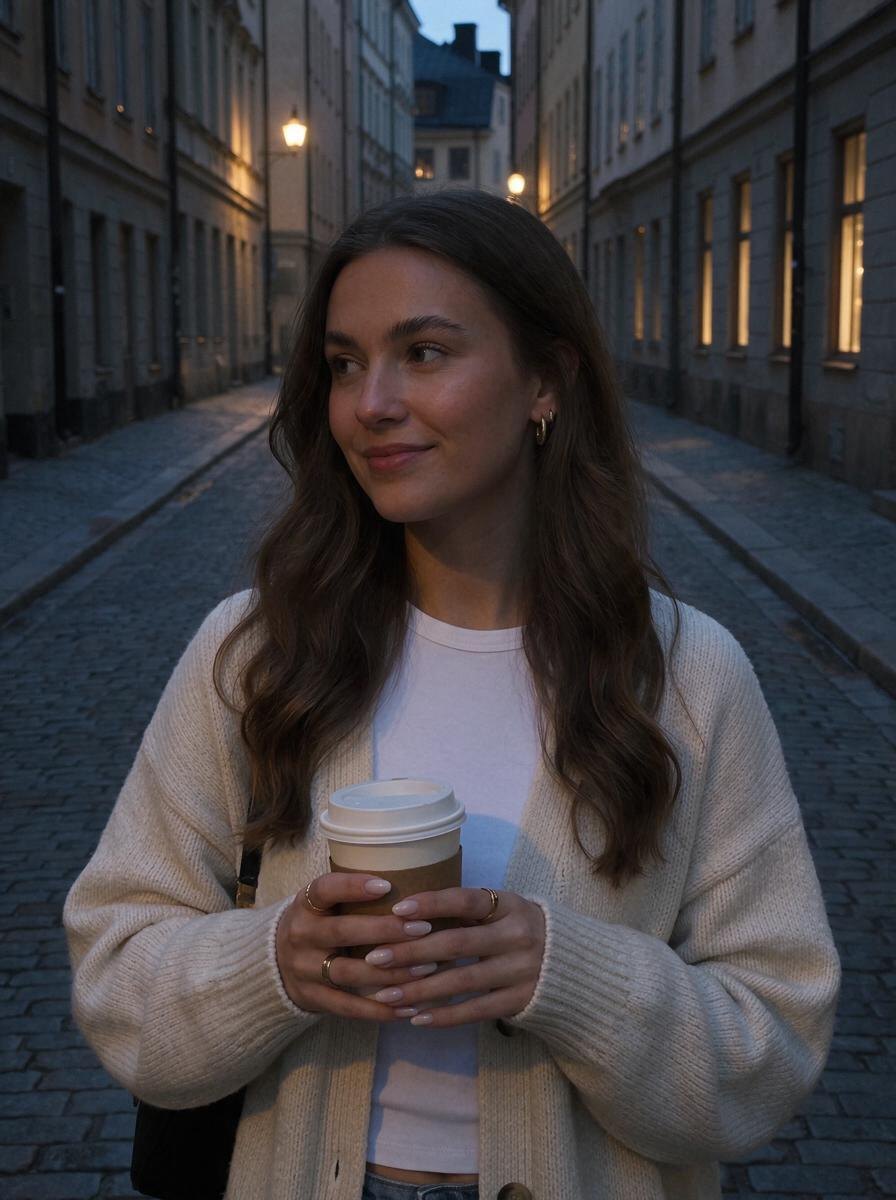
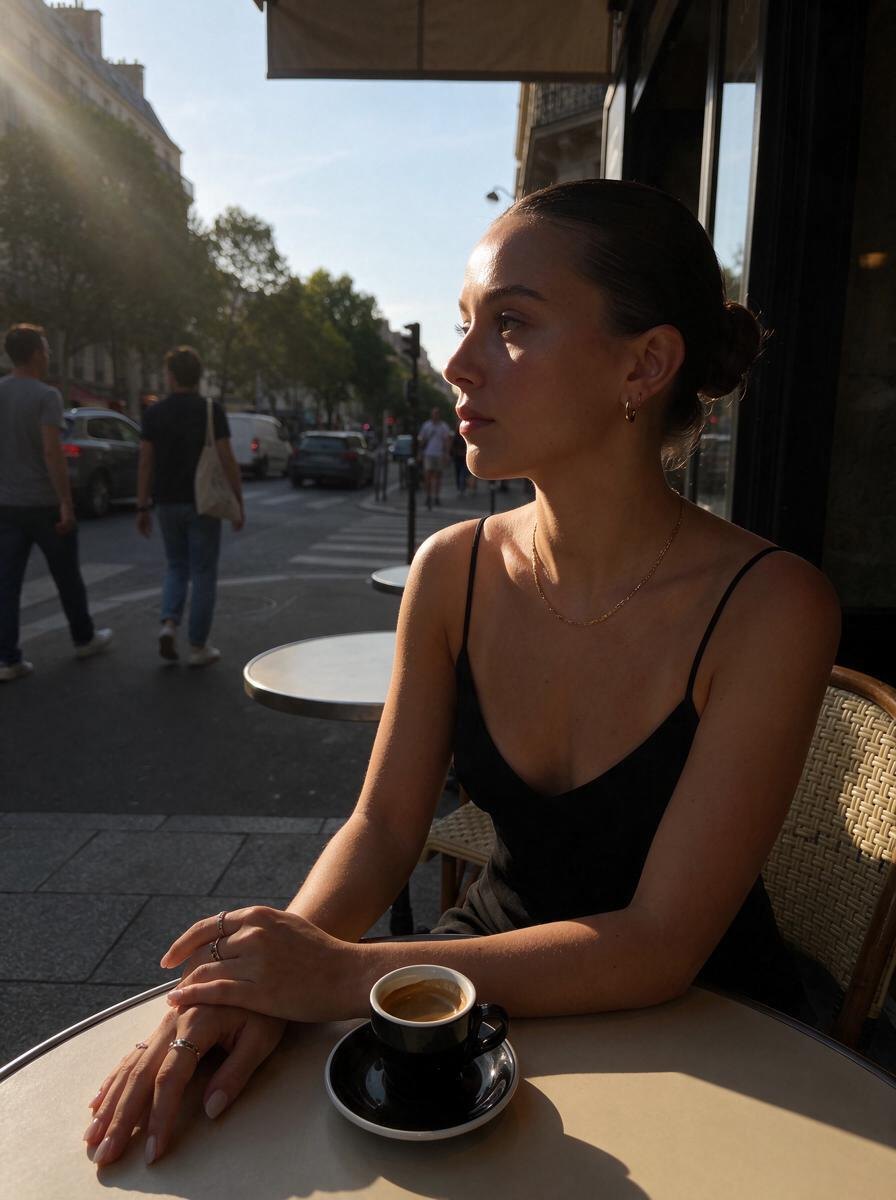
Omi's vintage effects are built around real looks people love. Polaroid gives soft, faded instant-film color. Kodak Portra 400 brings warm honey skin and pastel tones. Disposable Camera adds harsh flash and heavy grain. Runaway Dream turns your photo into a wind-swept 70s film still, and Sony Cybershot brings back early-2000s digital.
The difference is that Omi uses AI to relight your photo, not just recolor it. Upload any picture, pick a look, and the light changes to match it, while your face, pose, outfit and the place stay exactly the same. It all works online in your browser on iPhone, Android and PC, with no app to install. You get 3 free credits when you sign up, so you can try a few vintage looks before deciding which one is yours.
Effects to try



Questions
Is there a free vintage photo filter online?
Omi gives you 3 free credits when you sign up, so you can try its vintage effects on your own photos in the browser.
How do I make a photo look vintage?
Warm or faded colors, soft contrast, grain and old-camera lighting are the key. Omi applies all of these in one step with effects like Polaroid, Portra and 70s film.
Which vintage filter looks most like real film?
Kodak Portra 400 is the most natural film look for portraits. Disposable Camera is the most raw and nostalgic.
Do I need to download a vintage photo app?
No. Omi runs in the browser on iPhone, Android and computer.