Golden Hour Filter: Add a Glowing Sun Behind You
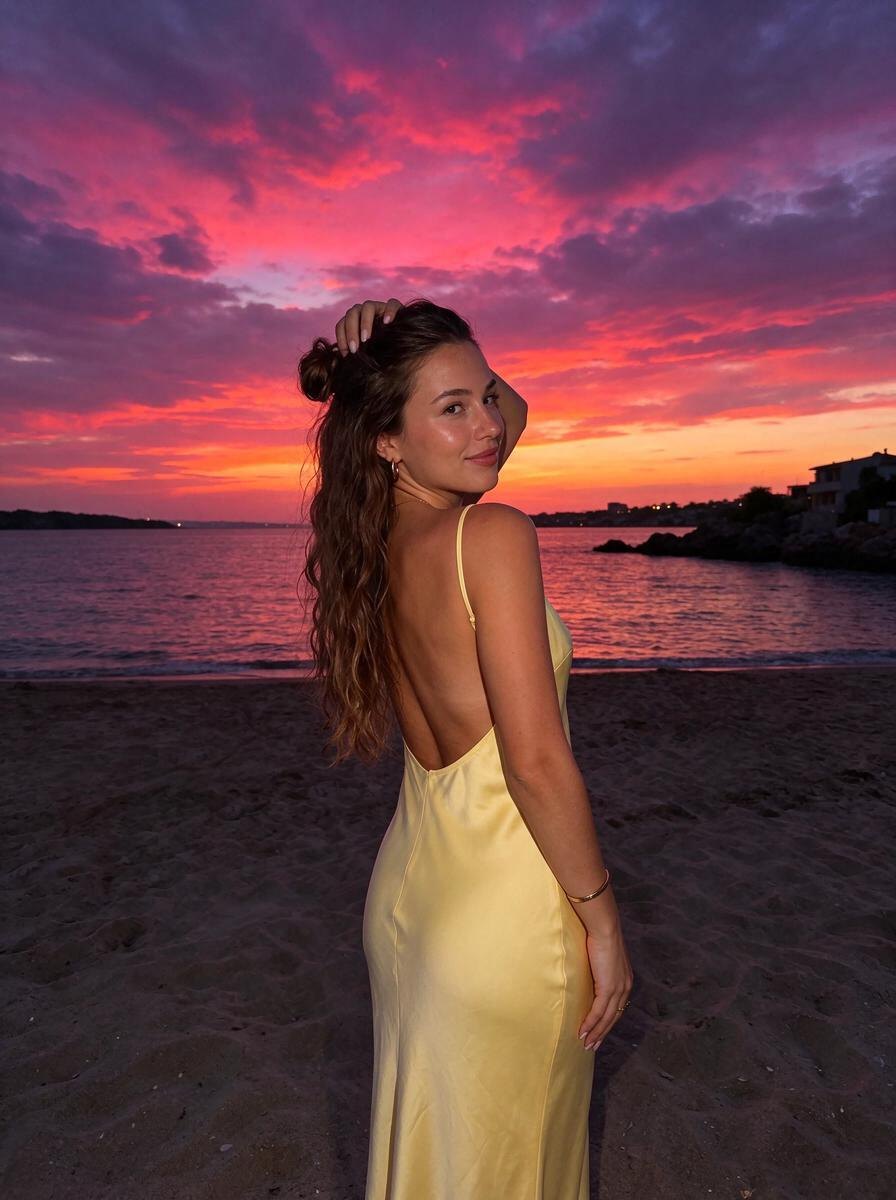
Low golden sun behind you: glowing hair, warm haze, soft flare.


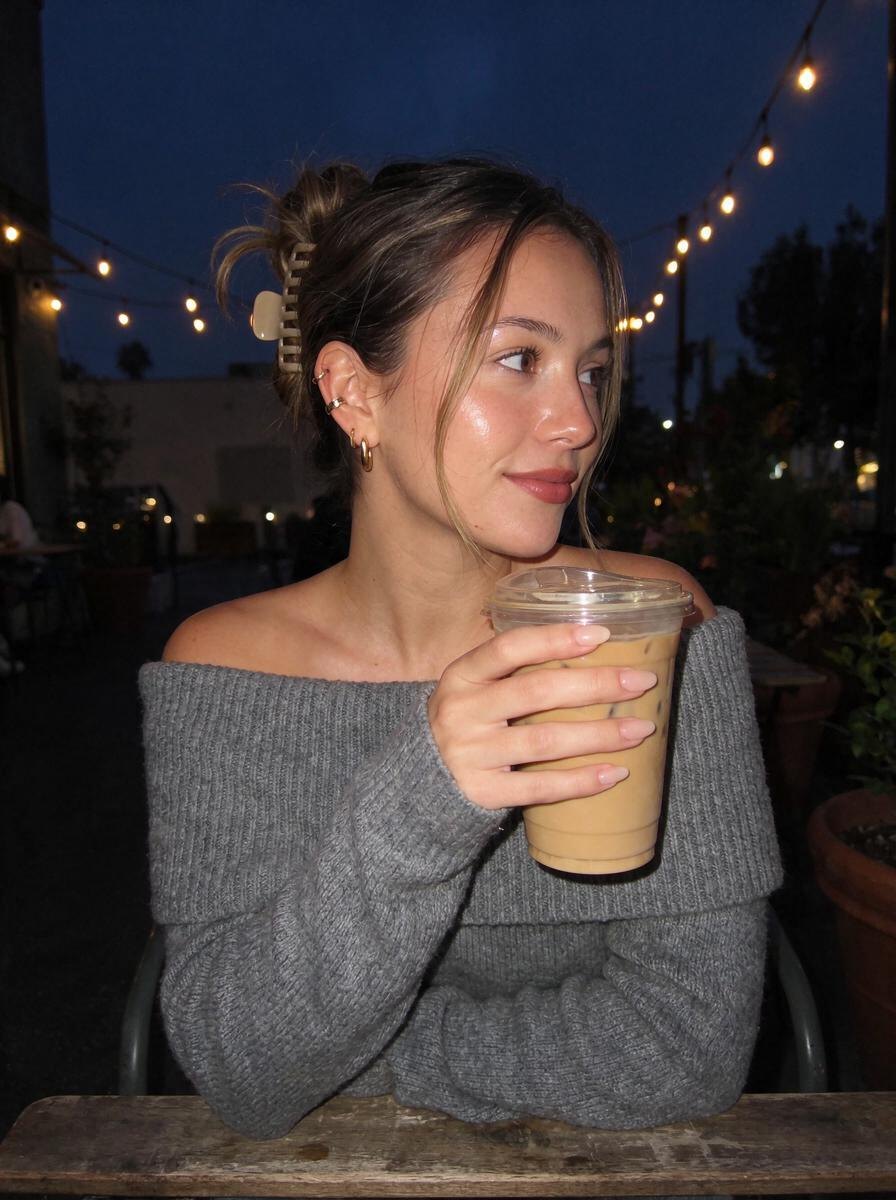
Golden hour lasts about twenty minutes and you are usually not ready for it. The golden hour filter brings it back to any photo: a low warm sun right behind you, a glowing rim of light around your hair and shoulders, soft haze in the air and a gentle lens flare.
It is the warm, sun-kissed look you see all over TikTok, but applied as real relighting instead of a color tint. Your face stays softly lit, your skin looks warm and glowing, and everything else in the photo, from your outfit to the view, stays the same. Great for overcast days and photos taken at noon.
How to use the Golden Backlight effect
- Open Omi and pick Golden Backlight.
- Upload any photo of yourself from your camera roll.
- Tap Create with AI. In about a minute you get the same photo, same you, in the Golden Backlight light — then save it.
Best for
- Photos taken on grey or overcast days
- Seaside and terrace portraits
- Hair that needs that glowing halo
- Summer posts and stories
Questions
What is the TikTok golden hour filter?
It is a warm, glowing look that makes photos seem like they were taken just before sunset. Omi's version relights your photo so the sun appears to be behind you.
Can I add golden hour light to a photo taken at noon?
Yes. That is exactly what this effect is for. It re-creates the low warm sun, rim light and haze, even if the original light was flat.
Will it change my hair or face?
No. Omi keeps your face, hair, pose and outfit the same and only changes the light around you.
Does it work on Android and PC?
Yes. Omi runs in any modern browser on iPhone, Android and computer.