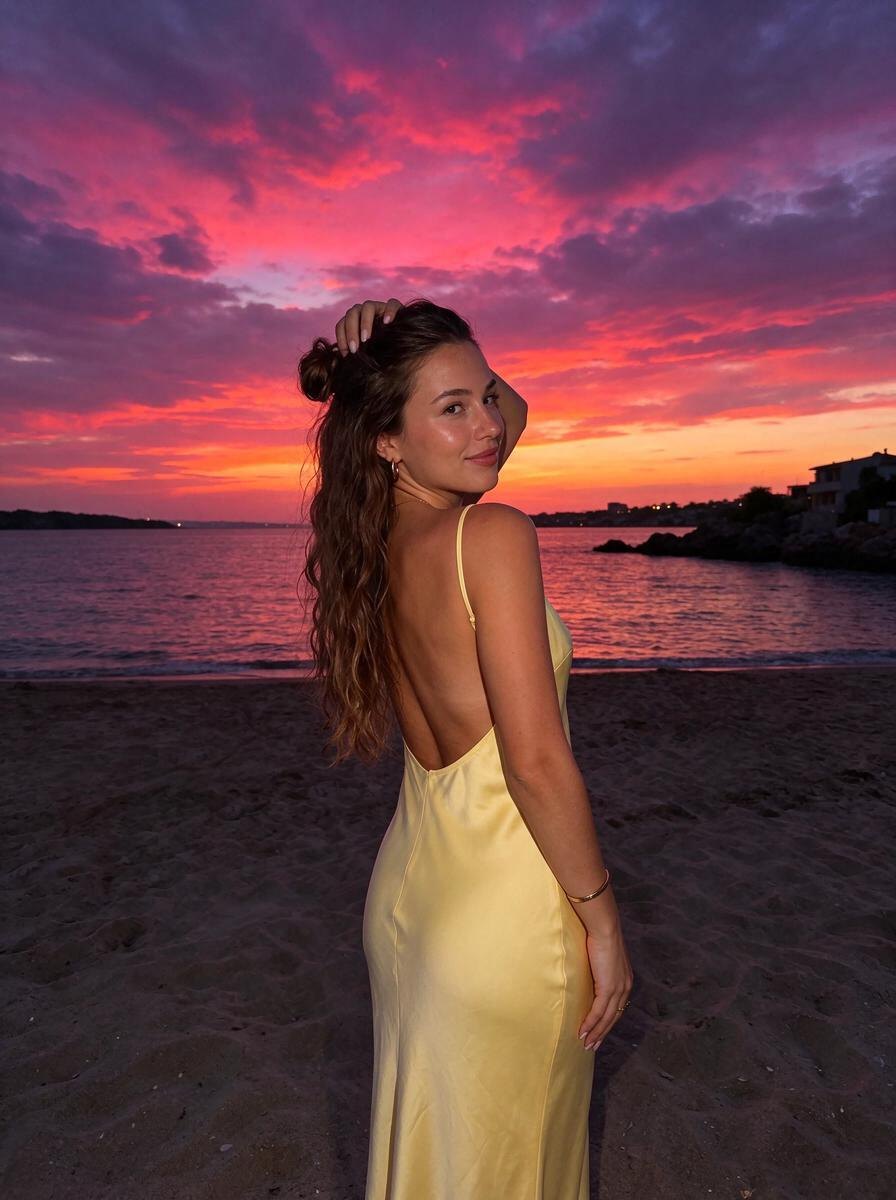
Fog Photo Effect: Add Soft Mist for a Fairytale Look
Soft fog rolling in, muted greens and silver light — an enchanted-forest editorial.
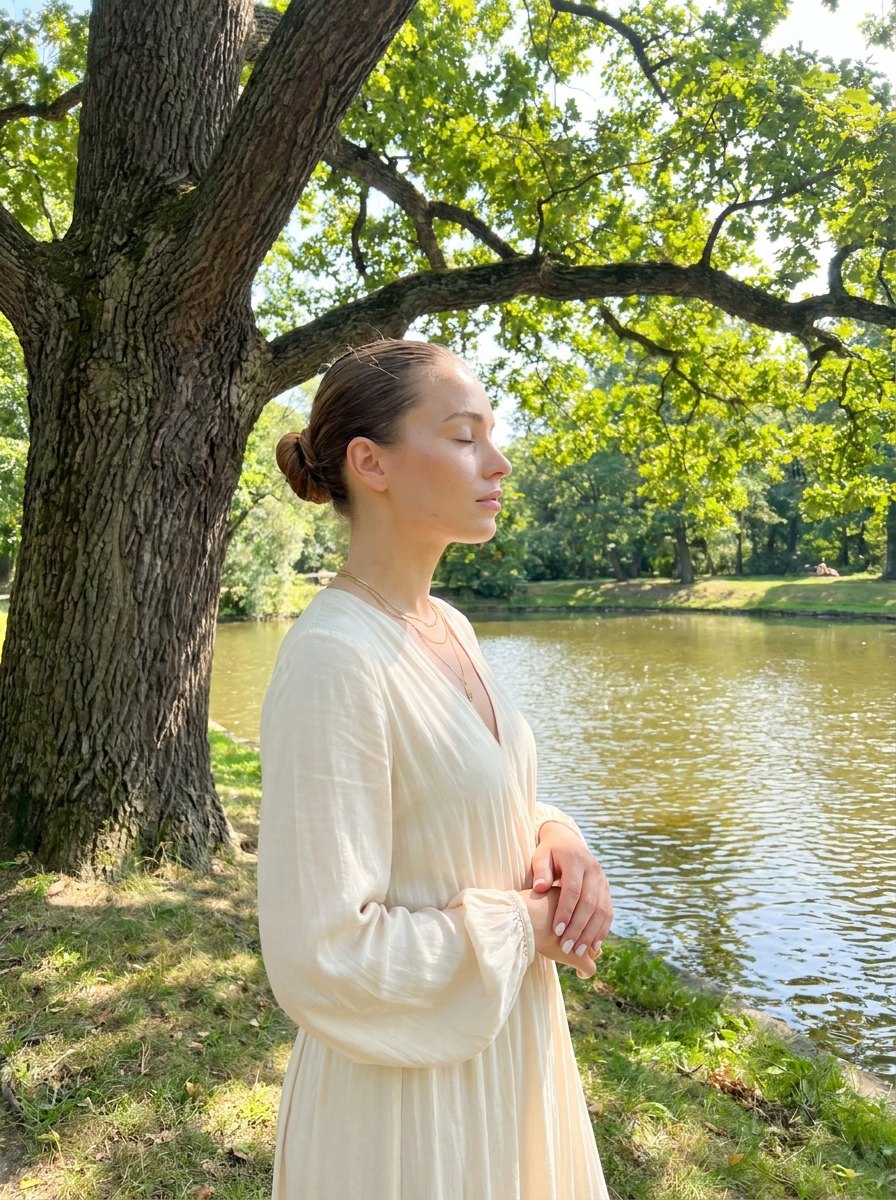
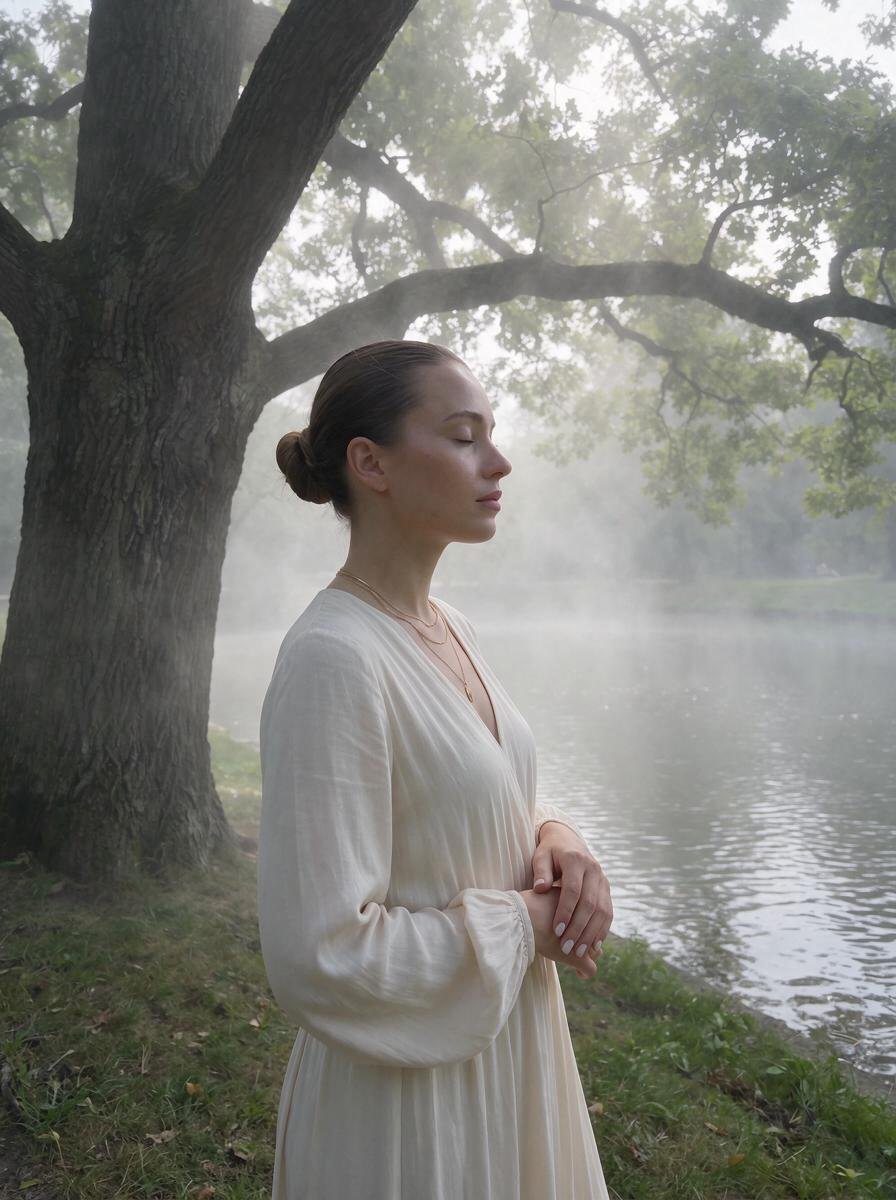
Fog makes any place feel like a story. This fog photo effect adds soft mist rolling through the background, so distant trees and buildings fade into milky white-grey. The light turns diffused and silvery, greens become muted, and your face stays gently lit.
The result is a misty, enchanted-forest editorial look. It works best on parks, forests, lakes, gardens and old streets, and it can rescue photos with a busy background. Omi keeps you, your outfit, your pose and the location exactly the same, and only changes the atmosphere and light.
How to use the Misty Fairytale effect
- Open Omi and pick Misty Fairytale.
- Upload any photo of yourself from your camera roll.
- Tap Create with AI. In about a minute you get the same photo, same you, in the Misty Fairytale light — then save it.
Best for
- Forest, park and lake photos
- Busy backgrounds you want to soften
- Autumn and winter posts
- Moody, fairytale editorials
Questions
How do I add fog to a photo?
Upload it to Omi and choose Misty Fairytale. The AI adds layered fog and soft silvery light to the scene.
Will the fog cover my face?
No. The mist sits in the background and around the scene, while you stay clear and softly lit.
What photos work best with a mist effect?
Outdoor photos with some depth, like forests, gardens, lakes and streets, look the most convincing.
Is there a free fog photo effect?
Omi gives you 3 free credits when you sign up, so you can try the fog effect on your own photos.