Aesthetic Photo Editor: Make Ordinary Photos Look Beautiful
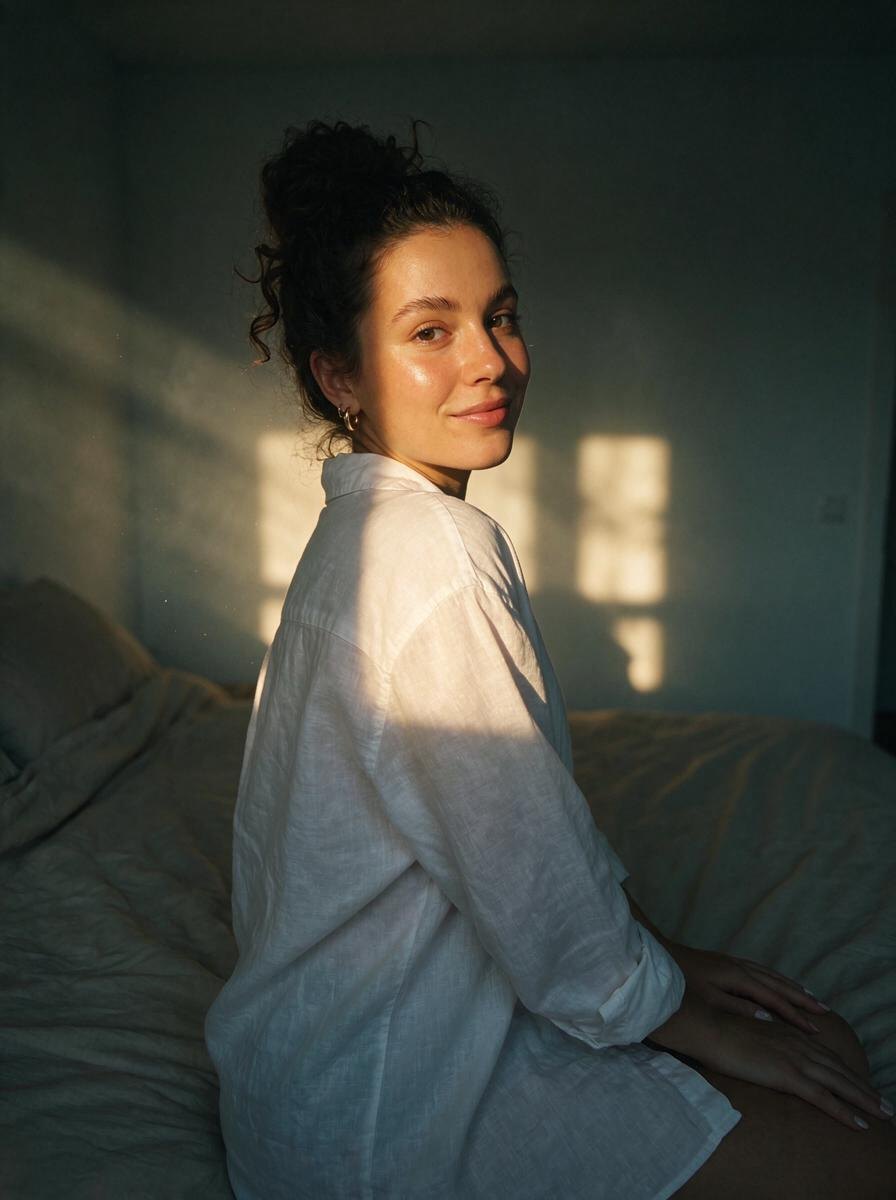
Most aesthetic photos are not about the camera. They are about light. Golden backlight, a hard flash at night, a beam of window sun or soft fog make an ordinary moment look like a magazine shot.
Omi is an aesthetic photo editor built around that idea. You upload a photo you already took, pick an effect, and the AI relights and restyles it. Your face, pose, clothes and the place stay exactly the same. Only the light, color and mood change, so the result still looks like you and still looks real.
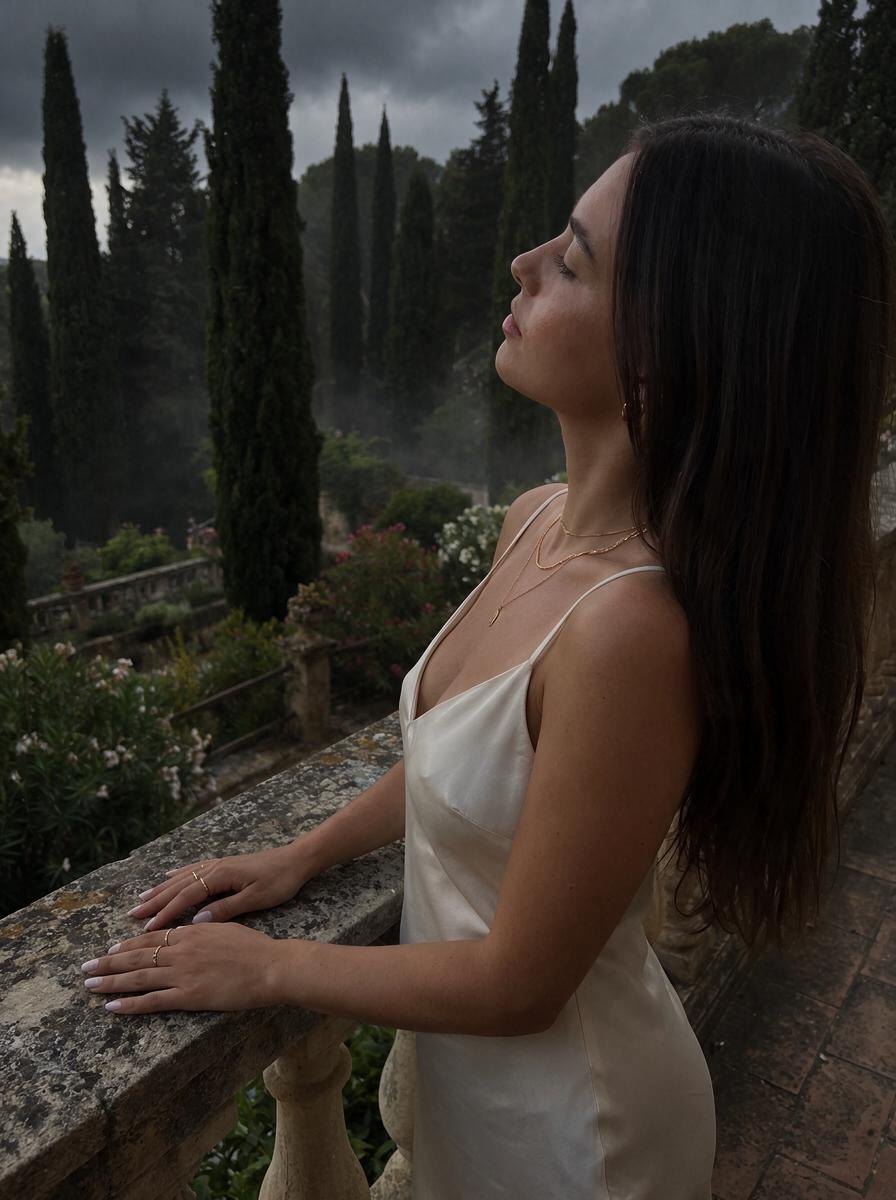
There are looks for every feed: Golden Backlight and Dark Sunset for warm summer posts, Flash and Digicam for night-outs, Secret Garden and Halo Haze for soft dreamy portraits, Villa Noir for a quiet old money mood, and camera looks like Fujifilm, Leica and Portra. It works in the browser on iPhone, Android and PC with no download, and you get 3 free credits when you sign up.
Effects to try






Questions
What is the best aesthetic photo editor?
It depends on the look you want. If you want to change the light itself, not just add a preset, an AI editor like Omi that relights your photo gives more natural results.
How do I make my photos look aesthetic?
Good light matters most. Try golden hour backlight, soft window light or a night flash look, and keep colors consistent across your feed.
Will an AI photo editor change my face?
Omi is built to keep your face, body, pose, outfit and background the same. It only changes the lighting and mood.
Is there an aesthetic photo editor that works online?
Yes. Omi runs in the browser on iPhone, Android and PC, so you can edit without installing an app.