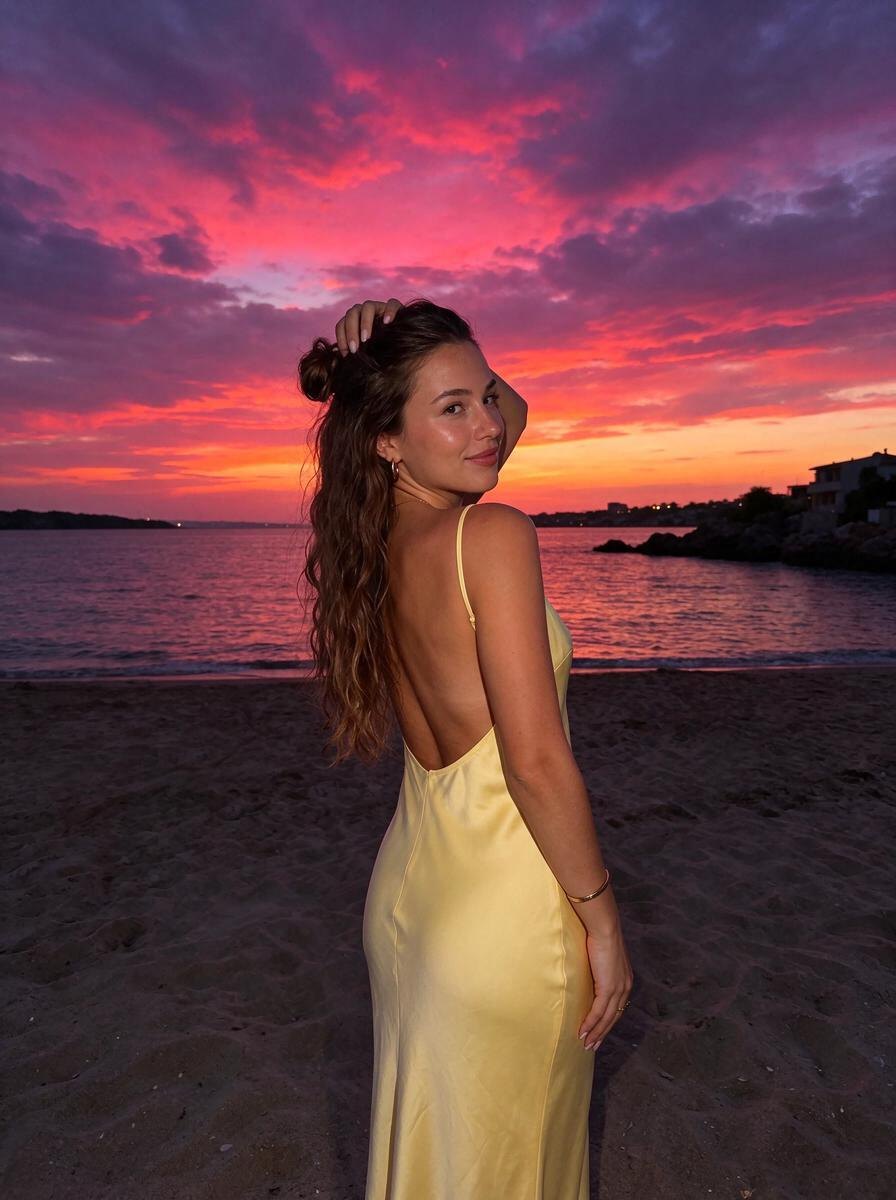
Glow Filter: Luminous Skin, Sparkles and Pink Lens Flare
Glowy highlighter skin, starburst sparkles in her hair and a pink lens-flare haze.
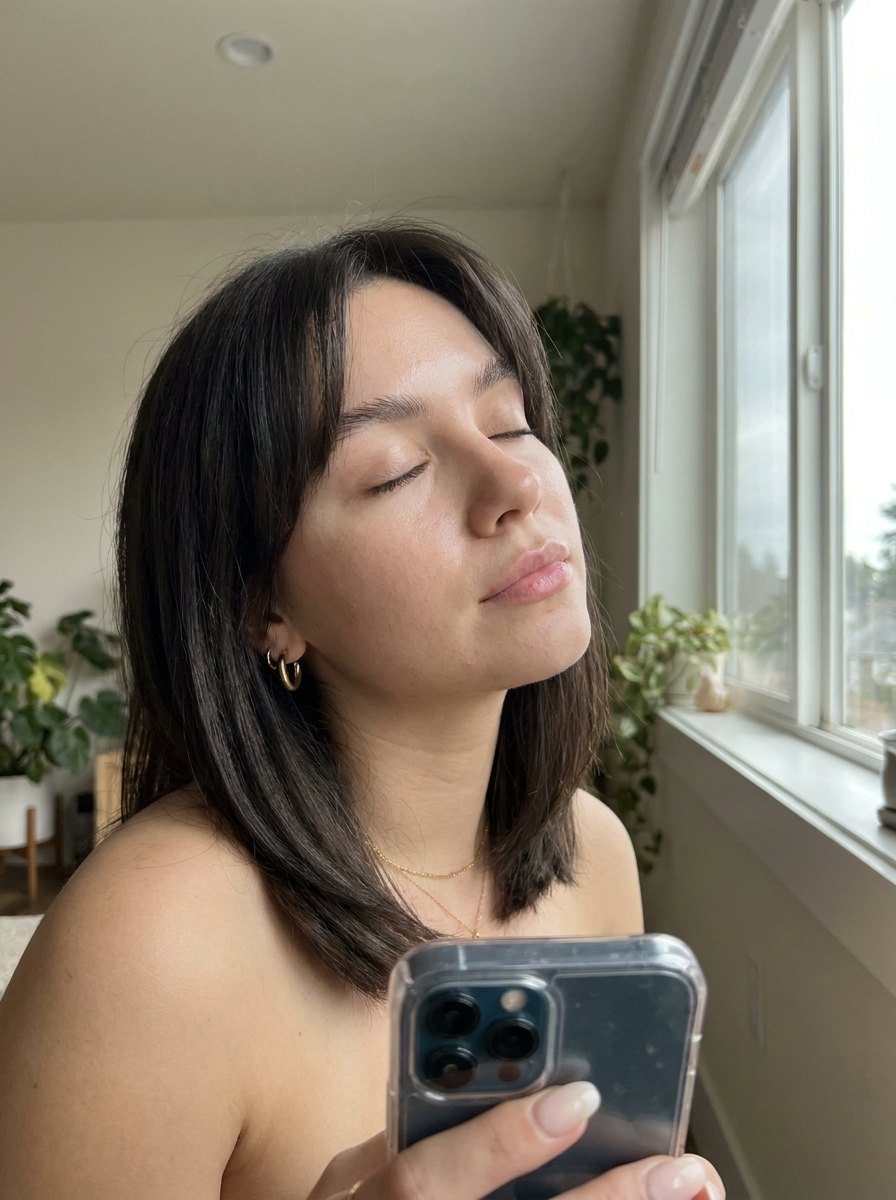
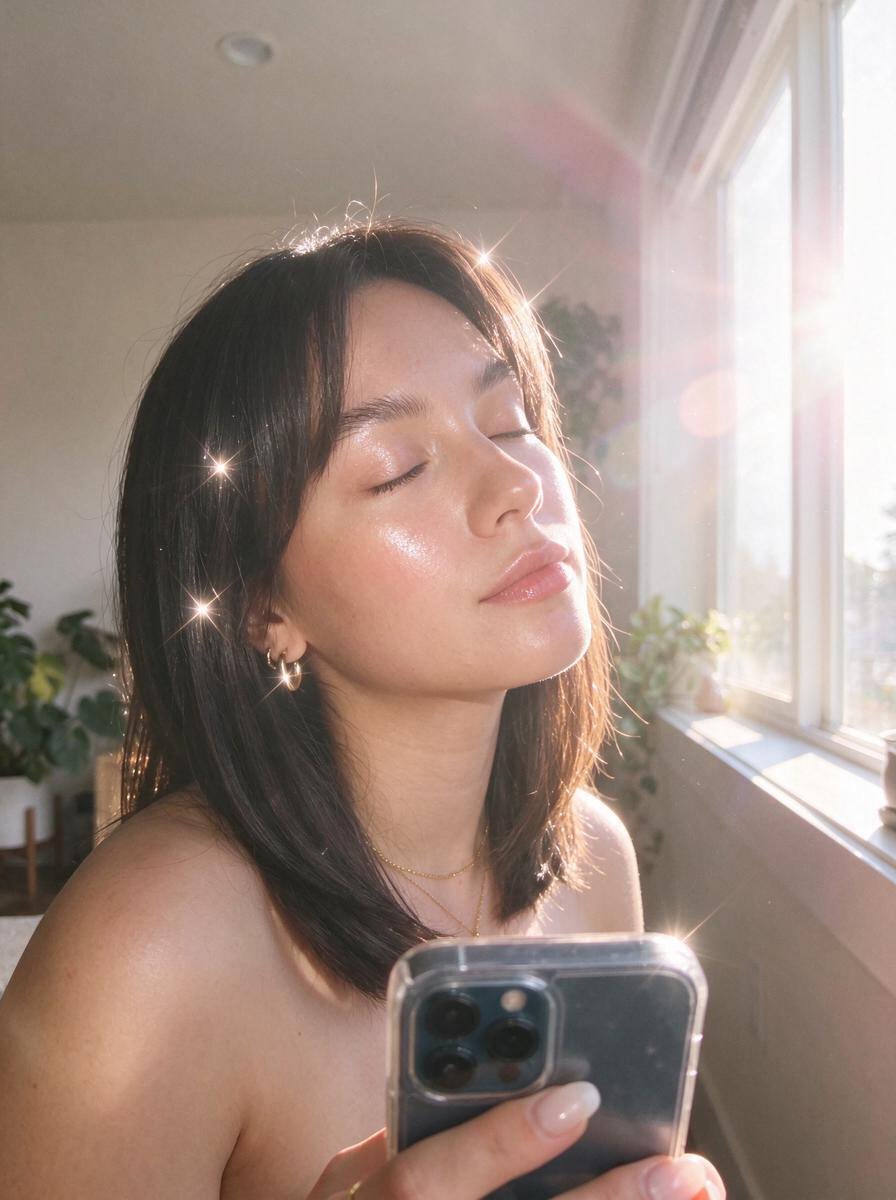
Some days you want the photo to simply glow. This glow filter relights your picture as a soft beauty shot: warm backlight from behind creates a bright rim around your hair, little four-point starburst sparkles catch on your hair and jewelry, and a pink lens flare haze washes gently across the frame.
Your skin gets a luminous, glass-like highlighter sheen while staying natural. It is perfect for selfies, close-up portraits, birthdays and getting-ready photos. Omi keeps your face, hair, makeup, pose and background exactly as they are, and only adds light and atmosphere.
How to use the Halo Haze effect
- Open Omi and pick Halo Haze.
- Upload any photo of yourself from your camera roll.
- Tap Create with AI. In about a minute you get the same photo, same you, in the Halo Haze light — then save it.
Best for
- Selfies and close-up portraits
- Getting-ready and makeup photos
- Birthday and celebration posts
- Jewelry and earring close-ups
Questions
How do I add a glow effect to a photo?
Upload it to Omi and pick Halo Haze. It adds warm backlight, glowing skin, starburst sparkles and a soft lens flare.
Does the glow filter smooth or change my skin?
It adds a luminous highlight but keeps your real skin texture and features. Omi is built to keep you looking like you.
Can I add lens flare to a photo afterwards?
Yes. The effect adds a soft pink lens flare and haze that blends with the new light.
Does it work on selfies?
Yes. Close-up selfies and portraits are where this effect looks best.